
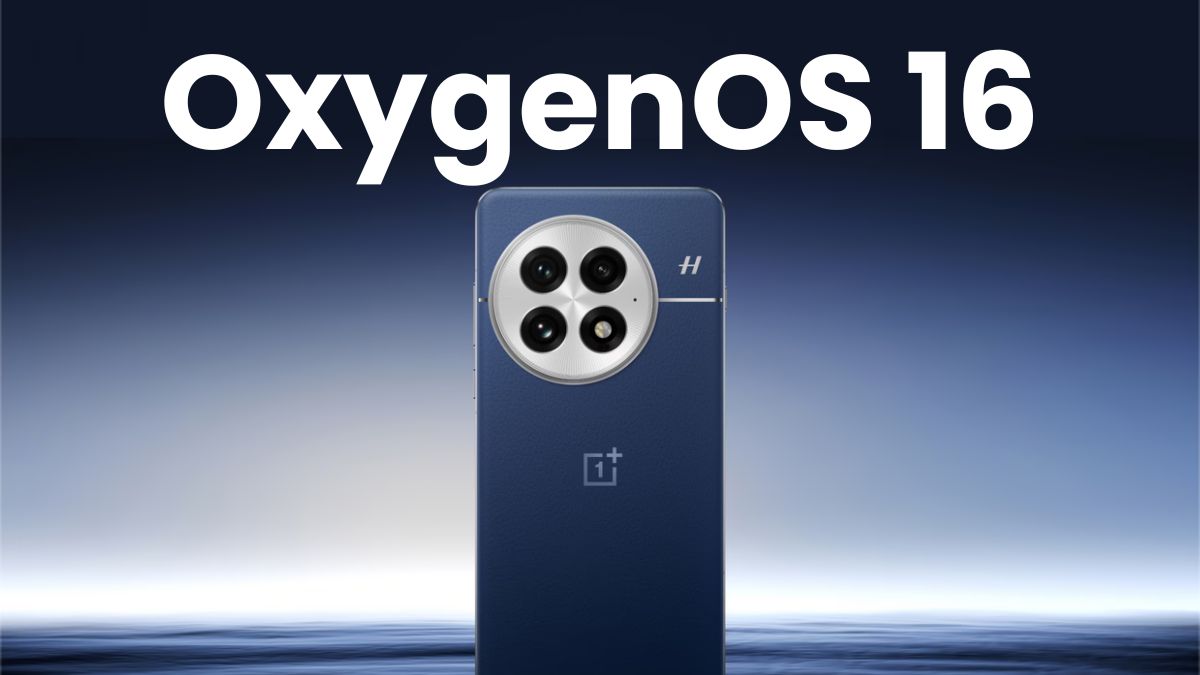
OnePlus just dropped OxygenOS 16, and it’s a solid update that shows how small improvements can make a big impact. They’ve cleaned up the look and added some cool AI stuff with Plus Mind and Google Gemini. The idea is to make your OnePlus phone faster and, well, actually smarter. The whole thing is about making tech feel personal and easy to use.
Looks: Smooth, Simple, and Modern
OxygenOS 16 keeps what’s great about OnePlus: a clean, smooth look. The new Flux Theme 2.0 makes things flow better, with fun lock screens and support for live photos, widgets, and even video backgrounds. They’ve added some nice blur effects, soft edges, and weather animations that make it feel calm and fresh without being too much.
Fluid Cloud is a standout. It shows you live updates like delivery info, sports scores, or your commute in a small, floating window. It looks cool and is useful – a good mix of info and design.
The design is mostly consistent, but there are a few small things, like the blur and icon styles, that could be better. Still, it feels quick, smooth, and looks great day-to-day.
Speed: Fast, Dependable, and Super Smooth

OnePlus has always been fast, and OxygenOS 16 keeps that going. The updated Parallel Processing 2.0 and Flow Motion make everything feel quick. On the OnePlus 13, doing a bunch of things at once is easy – no lag, even when you’re pushing it hard.
The new O+ Connect app is a nice touch, letting you move files and mirror your screen between your phone and computer. They even added Apple Watch support (with a bit of setup), which shows they’re thinking about other devices.
Some of the animations are a bit long, which can slow down quick swipes. But overall, it’s still super fast, smooth, and stable.
AI Stuff: Plus Mind & Gemini Take the Lead
The best part of OxygenOS 16 is the AI smarts.
Plus Mind remembers stuff for you. You can save links, screenshots, or notes to Mind Space with a quick gesture or the Plus Key, and the AI sorts and sums them up. It’s handy, simple, and powerful.
Google Gemini makes things even smarter. For example, you can ask, “What restaurants near me have I saved?” and Gemini uses your notes and Maps to give you useful, personal answers. It’s like having a smart helper who knows you.
It works best in English right now and needs you to use Mind Space, but it’s a good start for AI that feels personal.
Smarter Tools for Every Day

OxygenOS 16 has a bunch of AI tools that make things easier:
AI Writer: Rewrites text, sums up notes, and changes the tone – great for emails or captions.
AI Scan: Fixes up documents you scan with your camera.
AI Recorder: Writes down and sums up conversations pretty well.
AI Portrait Glow & Perfect Shot: Makes selfies look better in low light and fixes blinked eyes.
Plus, AI PlayLab has fun experimental tools like YumSee (to show you what menu items look like) and Party Up (to make AI videos). These are fun extras that show OnePlus is thinking ahead with AI.
Using It Every Day: Easy, Smart, and Familiar
Even with all the AI, OxygenOS 16 feels simple and clean. The OnePlus launcher, app drawer, and gestures are still easy to use. Features like Touch to Connect make sharing between OnePlus devices quick.
Some small issues, like Fluid Cloud updates being slow or the AI Writer not always getting the tone right, aren’t a big deal. The update feels solid and focuses on the user.
Final Thoughts: Good Improvements
OxygenOS 16 is OnePlus’s best update in a while – it makes things better without making them too complicated. It focuses on being useful, giving you a cleaner, smarter, and more personal version of Android.
From the improved look to the AI features like Plus Mind and Gemini, everything feels like it has a purpose. The focus on privacy, smooth cross-device use, and AI improvements make it one of the best Android experiences in 2025.
Note: All information and images used in this content are sourced from Google. They are used here for informational and illustrative purposes only.
FAQs on OnePlus OxygenOS 16 Review: Not a Revolution, but Evolution Done Right
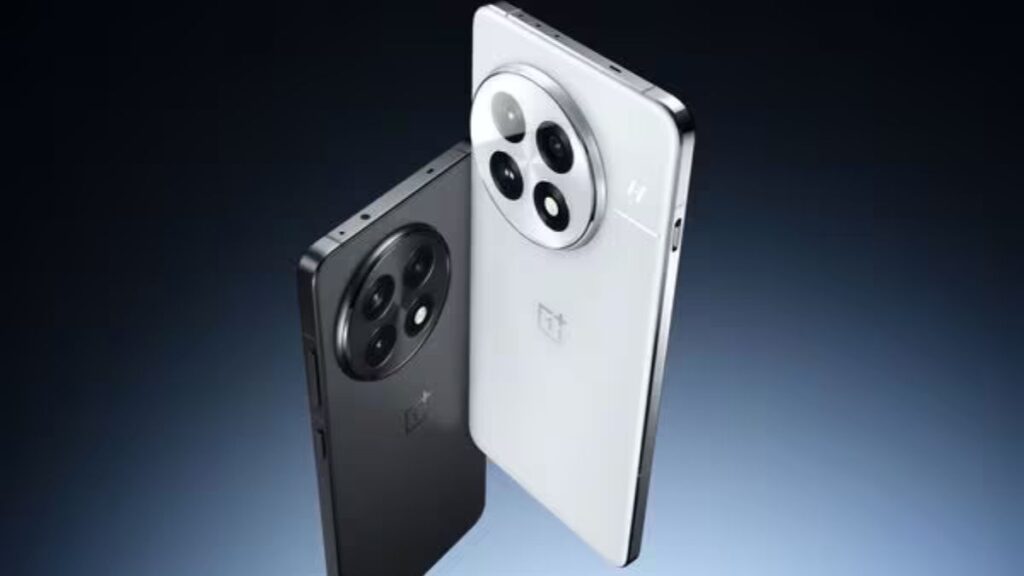
Q1. What is OxygenOS 16 and which devices currently support it?
OxygenOS 16 is OnePlus’s latest software update designed for devices like the OnePlus 13 series. It focuses on performance, personalization, and AI-driven intelligence with the theme “Intelligently Yours.”
Q2. What makes OxygenOS 16 different from previous versions?
OxygenOS 16 builds upon OnePlus’s clean, fast experience by adding AI-based features such as Plus Mind, Google Gemini integration, and refined visual design. It’s an evolution rather than a complete overhaul.
Q3. What are the major design improvements in OxygenOS 16?
OxygenOS 16 introduces smoother animations, new blur effects, gentle curves, and an updated Flux Theme 2.0 for interactive lock screens and video wallpapers. The new Fluid Cloud system also provides live updates for weather, sports, and delivery tracking.
Q4. How is the performance of OxygenOS 16 on the OnePlus 13 series?
OxygenOS 16 performs flawlessly on the OnePlus 13 series. The Parallel Processing 2.0 and Flow Motion animations make the system fluid and responsive, even during heavy multitasking or gaming sessions.
Q5. What is Plus Mind in OxygenOS 16?
Plus Mind is a personal AI hub that allows users to save screenshots, links, notes, and voice memos into a single space called Mind Space, where AI automatically organizes and summarizes the data for easy access.
Q6. How does Google Gemini integrate with OxygenOS 16?
Google Gemini integrates deeply with Plus Mind, combining saved user data with real-time web information for personalized, context-aware answers. For example, it can suggest bookmarked restaurants or events nearby.
Q7. What AI tools are included in OxygenOS 16?
OxygenOS 16 includes several AI tools such as AI Writer, AI Scan, AI Recorder, AI Portrait Glow, and Perfect Shot. These tools assist with writing, document scanning, transcriptions, and photo enhancements.
Q8. What is AI PlayLab in OxygenOS 16?
AI PlayLab is an experimental space in OxygenOS 16 where users can test upcoming AI-powered features like YumSee, which visualizes food dishes from menus, and Party Up, which creates video compilations from photos.
Q9. Does OxygenOS 16 improve connectivity and ecosystem integration?
Yes, OxygenOS 16 enhances device connectivity through the O+ Connect app, allowing seamless file transfers, screen mirroring, and even limited Apple Watch compatibility, reflecting OnePlus’s open ecosystem approach.
Q10. How does OxygenOS 16 handle privacy and data security?
OxygenOS 16 maintains a privacy-first design, ensuring that AI processing happens securely, and sensitive data within Plus Mind or Gemini remains protected with strong encryption.
Q11. Are there any drawbacks in OxygenOS 16?
OxygenOS 16 occasionally feels slightly over-animated in transitions, and features like Fluid Cloud or AI Writer can sometimes lag or misinterpret tone. However, these are minor issues in an otherwise polished update.
Q12. Is OxygenOS 16 worth upgrading to?
Yes, OxygenOS 16 is absolutely worth upgrading to. It combines refined design, improved performance, and meaningful AI integration without cluttering the user experience — making it one of the best Android interfaces in 2025.
Q13. What is the overall verdict on OxygenOS 16?
OxygenOS 16 delivers on its promise of intelligent simplicity. It’s not revolutionary, but it’s a powerful evolution that enhances everyday use with smoother performance, smarter AI, and a beautifully refined design.






Leave a Reply